Self-Destructing Notes for Business Teams: How Privnote Protects Corporate Communication
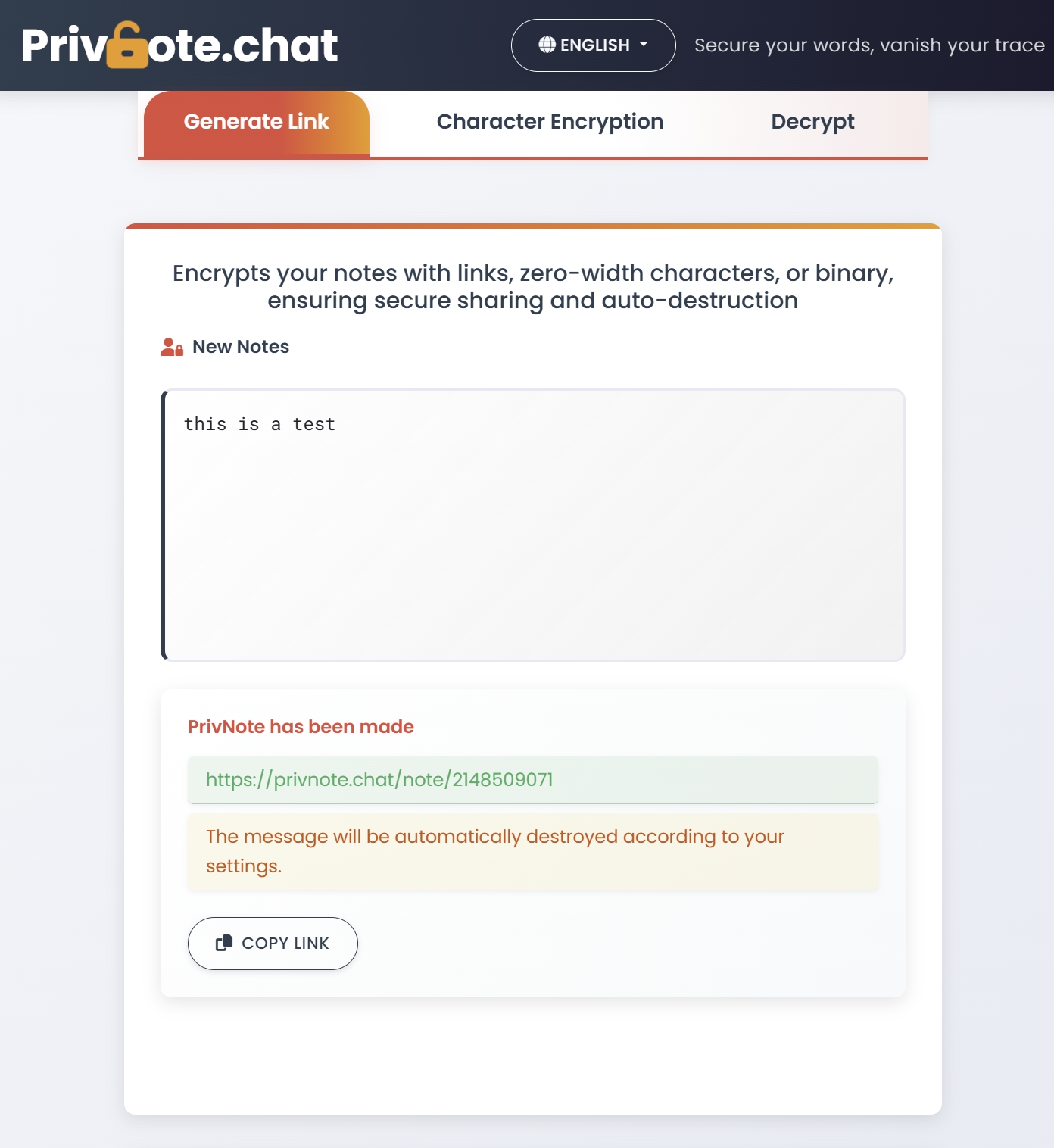
Why Business Teams Need Self-Destructing Notes
Modern organizations exchange thousands of messages each day across email, chat apps, project hubs, and shared documents. The more places sensitive information lives, the higher the risk of accidental leaks, account takeovers, and compliance violations.
Privnote self-destructing notes help business teams reduce their digital footprint. By sending confidential information through notes that automatically delete after being read, teams maintain agility without clogging inboxes or creating audit nightmares.
Enterprise Risk Snapshot
IBM reports that 82% of breaches involve the human element. Every message left in a chat or email is an additional risk surface. Privnote minimizes exposure by eliminating permanent records for one-off sensitive communication.
Top Business Use Cases
1. Credential Hand-Offs
IT administrators can hand over temporary VPN credentials or server passwords with Privnote and revoke them immediately after use.
2. Contract Negotiations
Legal teams share sensitive clauses or negotiation positions in Privnote so they don't remain in email threads.
3. Leadership Communication
Executives can circulate confidential internal updates with self-destructing notes to prevent leaks.
4. Incident Response
Security teams coordinate early triage steps via Privnote before a formal incident channel is established.
5. Vendor Management
Share API tokens or staging environment logins with contractors without leaving them in shared channels.
How Privnote Fits into a Secure Workflow
- Identify sensitive content – credentials, pricing, customer data, internal timelines.
- Create a Privnote – write the message, enable self-destruct after reading, optionally add a password.
- Share link via corporate chat – Slack, Teams, or email, but without placing the data directly in the message.
- Confirm receipt – Privnote can send read notifications if configured.
- Audit trail – Share the fact that data was exchanged without exposing the data itself.
Security Features Business Teams Value
- One-time access – Even if a link is forwarded, it can only be opened once.
- No account required – Onboarding new contractors or vendors takes seconds.
- Optional passwords – Protect high-value notes with a second factor.
- Expiration timers – Delete messages automatically after 1 hour, 24 hours, or 7 days.
- Read notifications – Know exactly when (and if) a message was viewed.
Privnote vs Traditional Tools
| Scenario | Email/Chat | Privnote |
|---|---|---|
| Temporary credentials | Stored in inbox, searchable forever | Deleted instantly after reading |
| Sensitive pricing | Forwarded accidentally | Link invalid after first view |
| Legal review notes | Can be subpoenaed from email | No record remains on servers |
| Vendor access | Requires account creation | No onboarding necessary |
Implementation Tips for Teams
- Create a Privnote playbook – Document what types of data must be shared via self-destructing notes.
- Pair with password managers – Use Privnote for delivery and password managers for long-term storage.
- Use dual-channel verification – Send Privnote link in chat, password via SMS or voice.
- Train staff quarterly – Remind teams how to use Privnote for offboarding or incident response.
- Log meta-data, not content – Record that a Privnote was sent without logging the secret itself.
Case Study: SaaS Startup
A 45-person SaaS company replaced ad-hoc password sharing with Privnote. Within 30 days they reduced credential leakage incidents by 70% and accelerated vendor onboarding because no secure portals or accounts were required for one-off access.
Compliance Benefits
While Privnote is not a full compliance platform, it helps teams align with policies such as:
- GDPR data minimization – Avoid storing personal data in systems longer than necessary.
- PCI DSS – Never transmit cardholder data through persistent channels.
- ISO 27001 – Reduce the attack surface by limiting sensitive information sprawl.
- HIPAA best practices – Share one-time access instructions without PHI lingering in email.
Best Practices Checklist
- Use Privnote for any information that does not need long-term retention.
- Encourage recipients to confirm once a note is destroyed.
- Rotate credentials or access tokens after Privnote delivery.
- Disable screenshots on managed devices when possible.
- Log Privnote usage in incident tracking tools for accountability.
Getting Started
Introduce Privnote during your next security awareness training. Provide teams with quick-start cards showing exactly when to use self-destructing notes versus standard communication.
The more your organization adopts Privnote self-destructing notes, the smaller your exposure window becomes, reducing both accidental leaks and targeted attacks.